
WinFast DTV is a TV card with HDTV, FM, DirectBurn, EPG, PIP, POP and PAP functions.
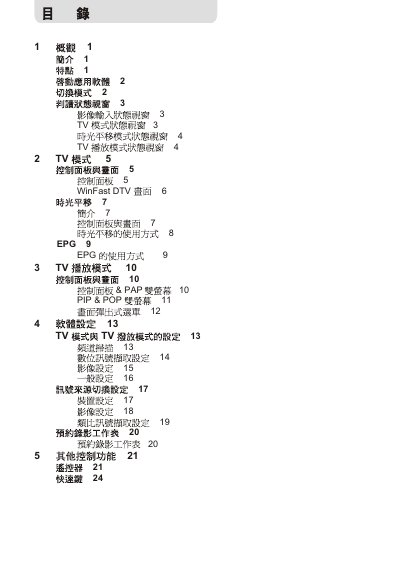
This manual provides operating instructions for the WinFast DTV television set. It covers the basic functions, remote‑control keys, and how to navigate menus and features.
Key sections describe picture‑in‑picture (PIP), picture‑on‑picture (POP), picture‑and‑picture (PAP), the electronic program guide (EPG), supported audio and video codecs, image formats, FM/DAB radio, teletext, and time‑shifting capabilities.
| Audio format | AC3 (Dolby Digital) |
|---|---|
| Video codecs | MPEG‑1, MPEG‑2, MPEG‑4 |
| Image file formats | .bmp, .JPG, .PNG, .TIFF |
| Teletext standards | NTSC, PAL |
Press the PIP key on the remote control to enable picture‑in‑picture mode.
The DTV supports AC3, which is Dolby Digital audio.
It can play VCD, DVD, CD‑ROM, LD/VCD/DVD and video files encoded as MPEG‑1, MPEG‑2 or MPEG‑4.
Press the EPG button on the remote control to display the program guide.