
WinFast TV PRO is a device that can turn your personal computer into a high-definition television. It does not require any driver or software installation, which is very convenient. WinFast TV PRO provides AV terminal input jacks, which can be easily connected to video recorders, computer game consoles, and other devices. WinFast TV PRO has a sleek and modern appearance and many innovative features, such as favorite channel settings, allowing you to easily find your favorite channels.
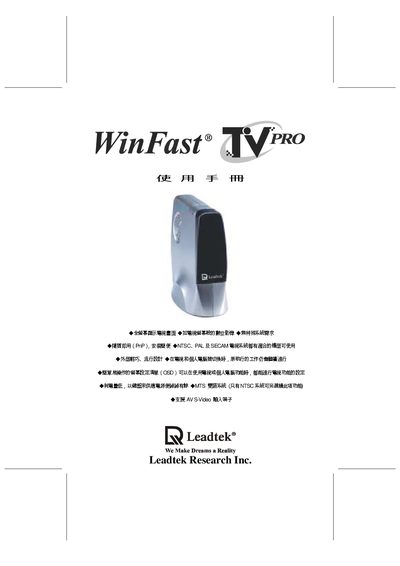
The WinFast TV PRO is a compact TV tuner that connects to a computer or other video source via AV, S‑Video, VGA and RF inputs. It requires no special drivers and offers features such as favorite channel presets and theater mode picture adjustments.
This manual covers unpacking, required accessories, power connection, wiring diagrams, on‑screen display (OSD) navigation, channel management, FM radio and sleep timer functions, as well as warranty and FCC compliance details. This manual is written in Chinese.
| Dimensions | 11.7 cm x 11.6 cm x 5.9 cm (H x W x D) |
|---|---|
| DC Power Input | 5 V 800 mA |
| Audio Output (max) | 4 V pp |
| RF Input | 75 Ω coaxial cable, 50 mV pp |
| Speaker Output (max) | 0.5 W 8 Ω |
| VGA RGB Input | 0.7 V pp |
| Video RGB Output | 1 V pp |
| Audio Input | 1 V pp |
| Video Input | 1 V pp |
Connect a 5 V 800 mA DC power source to the device.
Use the OSD menu to select THEATER, BRIGHT, or NORMAL modes to optimize color and brightness.
Select the channel management option in the OSD; use the add channel function to store a new channel and the delete channel function to remove an existing one.
Check that the 5 V 800 mA power connector is properly attached; if the indicator remains off, contact the dealer or technical support.