
This document describes the features and characteristics of the ML-1440 printer and its compatible devices, including the Centronics interface, compatibility with IBM PC and Apple models, supported operating systems, and versions of Adobe Acrobat Reader.
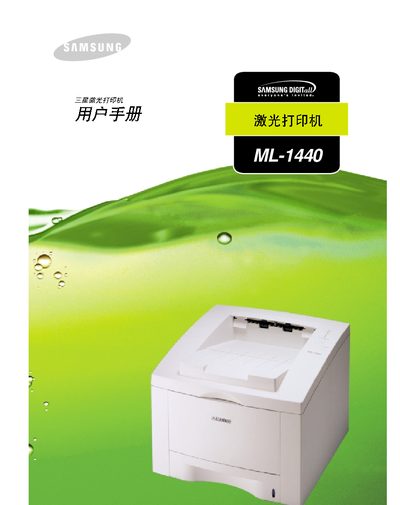
This manual guides users through installing and configuring the Samsung ML-1440 laser printer. It covers hardware connections such as Centronics, IBM PC, Apple, and Microsoft Windows interfaces, as well as software requirements like Adobe Acrobat.
The document also includes important safety information about the invisible laser beam, FCC compliance details, and troubleshooting tips. Users will find step‑by‑step procedures for loading paper, adjusting settings, and maintaining the printer.