
This manual describes the basic operation procedures of e-STUDIO281c/351c/451c.
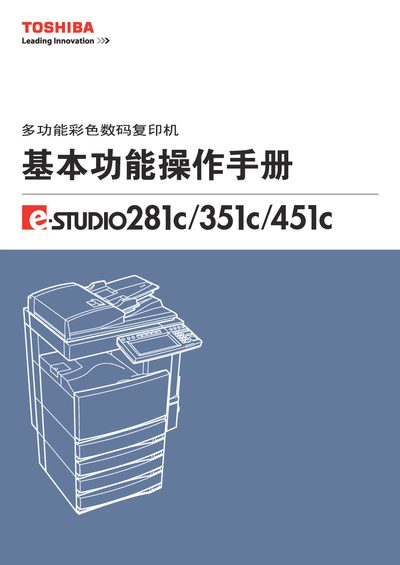
This manual provides detailed instructions for installing, operating, and maintaining the Toshiba e‑STUDIO281c/351c/451c multifunction colour digital copier. It includes safety warnings, component descriptions, and step‑by‑step procedures for copying, scanning, and using advanced editing functions.
The document also lists optional accessories, paper handling options, binding capabilities, and technical specifications such as laser output and supported paper sizes. It serves both end‑users and service technicians for routine checks and troubleshooting. This manual is written in Chinese.
| Laser class and output | Class 1, 15 mW, 788 nm wavelength |
|---|---|
| Supported paper sizes | A3, A4, A4‑R, B4, LD, LG, LT, LT‑R, COMP, 13"LG, 8.5"SQ, 8K, 16K |
| Maximum binding pages | Up to 50 sheets depending on paper type |
It uses a Class 1 laser diode with a 15 mW output and a wavelength of 788 nm.
The copier accepts A3, A4, A4‑R, B4, LD, LG, LT, LT‑R, COMP, 13"LG, 8.5"SQ, 8K and 16K paper sizes.
Up to 50 sheets can be bound, with the exact limit depending on the paper type and weight.