
Toshiba digital copier user manual, introduces the basic functions, operating methods, precautions and other products
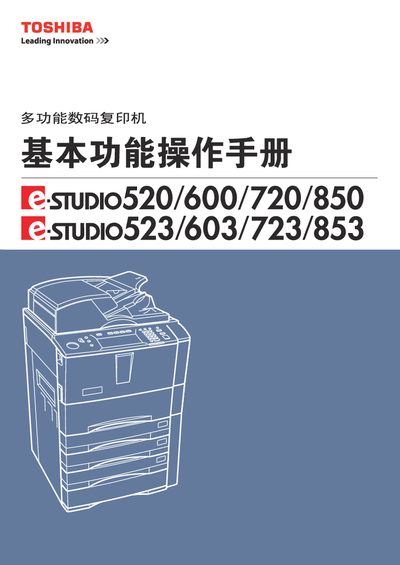
This manual provides detailed instructions for installing, using, and maintaining Toshiba e‑STUDIO520/600/720/850 and e‑STUDIO523/603/723/853 multifunction digital copiers. It includes safety warnings, setup steps, copy modes, image adjustments, electronic archiving, and troubleshooting guidance.
The document also lists technical specifications such as scanning and printing resolutions, paper handling capacities, warm‑up time, and model‑specific performance data, helping users achieve optimal copy quality and reliable operation. This manual is written in Chinese.
| Model name | DP-5200/6000/7200/8500 |
|---|---|
| Scanning resolution | 600 dpi × 600 dpi |
| Printing resolution | 2400 dpi × 600 dpi |
| Paper capacity (standard tray) | ≈500 sheets (80 g/m²) |
| Warm‑up time | ≈130 seconds |
| Supported paper sizes | A3, A4, A4‑R, A5‑R, B4, B5, B5‑R, FOLIO, LD, LG, LT, LT‑R, ST‑R, COMP, 13"LG, 8.5"SQ, 8K, 16K, 16K‑R |
The warm‑up time is approximately 130 seconds.
The scanner operates at 600 dpi × 600 dpi.
The standard paper tray holds about 500 sheets of 80 g/m² paper.