
This document is a user guide for the CHI laser printer, which provides information on installation, connection, printing methods, basic operations, and troubleshooting.
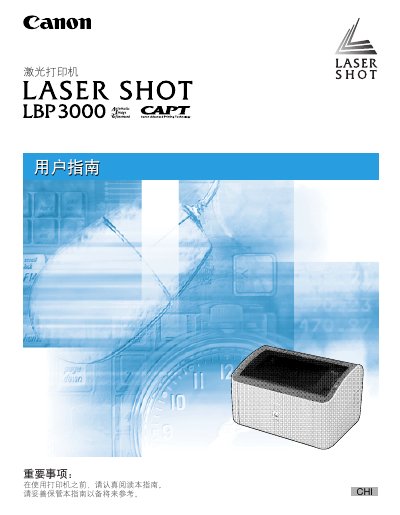
This manual guides users through installing the LBP3000 printer, loading various paper types, and configuring the printing environment. It includes step‑by‑step instructions for driver installation on Windows platforms and details on using the printer's features.
The guide also covers daily maintenance tasks such as replacing the toner cartridge, cleaning the unit, and troubleshooting common issues, with reference to the printer's serial number and safety information. This manual is written in Chinese.
The manual provides a "更换硒鼓" (replace toner) section that explains how to remove the old cartridge, handle the new one carefully, and install it correctly.
Use the CD‑ROM installation program and follow the plug‑and‑play steps for Windows 98/Me, 2000, XP, or Server 2003 as described in the manual.