
This is the user manual of Canon LBP5000 laser printer, which mainly introduces the printer's installation, connection, printing, maintenance and other contents.
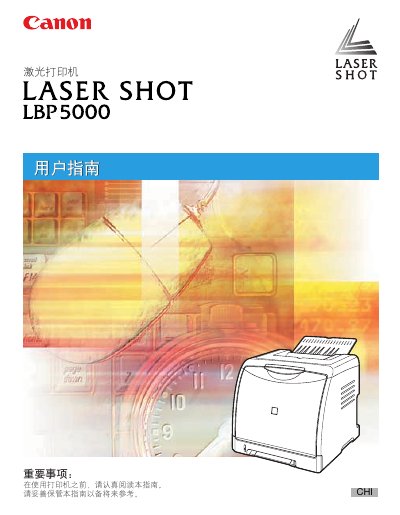
This manual guides you through the initial setup of the Canon LBP5000 laser printer, including loading paper, connecting to a computer via USB or LAN, and installing the CAPT driver software. Detailed sections cover configuring print settings, using advanced features such as watermarks and poster printing, and performing routine maintenance.
Additional chapters explain how to manage network printing, replace consumables, and locate the printer's serial number for service. Troubleshooting tips help resolve common errors and ensure reliable operation. This manual is written in Chinese.
Use a USB cable or a LAN cable to connect the printer to the computer.
Install the CAPT software from the supplied CD or download it, then follow the on‑screen instructions.