
This document describes the features of the product, including optical resolution, USB interface speed, and warranty information.
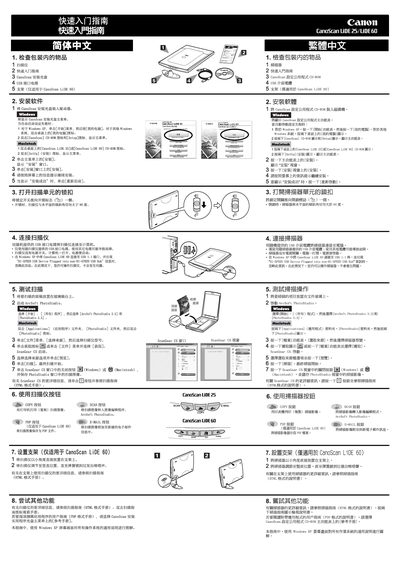
This guide covers the operation of the Canon CanoScan LiDE 25 and LiDE 60 flatbed scanners, including setup, scanning procedures, and troubleshooting. It also contains legal warnings about scanning copyrighted or restricted documents.
Technical specifications such as optical resolution, scanning speed, power consumption, and interface options are listed, along with dimensions, weight, and environmental operating ranges. Warranty and service information are also provided. This manual is written in Chinese.
| Optical Resolution | 1200 x 2400 dpi |
|---|---|
| Scanning Speed (600 dpi) | 6.4 msec./line |
| Interface | USB 1.1, USB 2.0 Hi‑Speed |
| Power Consumption | 2.5 W max, 1.4 W standby |
| Maximum Document Size | 216 × 297 mm (A4/Letter) |
Scanning certain documents such as bank notes, government bonds, or public certificates may be prohibited by law and could result in criminal or civil liability.
The scanner supports documents up to A4/Letter size, which is 216 × 297 mm.
The scanner is powered via the USB port and does not require an external power adapter.