
This is the instruction manual of Canon EOS REBEL T2(DATE)/300X(DATE) camera, which introduces the functions and usage of the camera
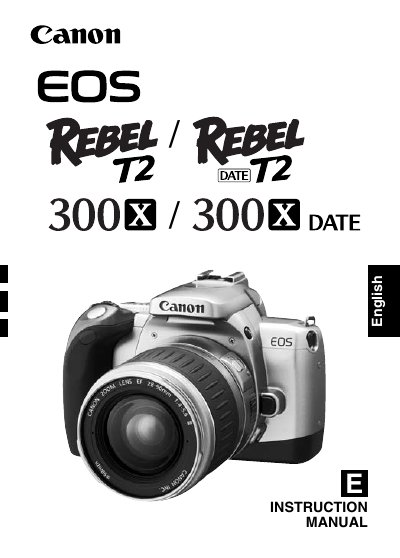
This manual introduces the EOS REBEL T2 (DATE) / 300X (DATE) camera, describing its autofocus SLR features, lens compatibility, and basic operation modes. It guides users through initial setup, battery installation, lens mounting, and shooting functions, including fully automatic and user‑controlled modes.
The guide also covers handling cautions, cleaning procedures, battery care, and detailed specifications such as shutter speed range, flash type, dimensions, and power source. Contact information for Canon service centers worldwide is provided at the end of the document.
| Flash type | Built‑in E‑TTLII autoflash |
|---|---|
| Power source | Two CR2 lithium batteries |
| Dimensions (W × H × D) | 130 × 90 × 64 mm |
Use only a blower brush to remove dust; do not use cleaners containing organic solvents.
Wipe it with a clean dry cloth and take it to the nearest Canon dealer as soon as possible.
The camera is powered by two CR2 lithium batteries.
Do not leave the camera in a hot car or other excessively hot places; store it in a cool, dry environment.