
This projector supports SXGA+ (1400x1050) resolution and uses Canon's unique AISYS optical engine to project computer data and DVD player moving images with high resolution.
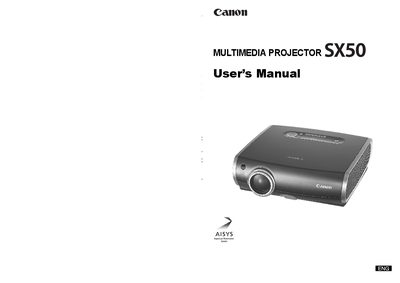
This manual covers everything needed to install and use the Canon SX50 projector, including safety precautions, wiring, menu functions, and troubleshooting. It explains how to connect the projector to computers or AV equipment, adjust image settings, and use the remote control.
Additional sections describe routine maintenance such as cleaning the air filter and replacing the lamp, as well as detailed specifications and optional accessories for ceiling mounting and connectivity.
| Weight | 3.9 kg (8.6 lbs) |
|---|---|
| Resolution | SXGA+ (1400 × 1050) |
| Brightness | 2500 lumens |
| Zoom Lens | 1.7× aspheric lens |
| Throw Distance | 3 m to 5 m for a 100‑inch image |
| Lamp Part Number | RS‑LP01 |
The projector weighs 3.9 kg (8.6 lbs).
It supports SXGA+ resolution, which is 1400 × 1050 pixels.
The projector provides 2500 lumens of brightness.
It features a 1.7× zoom aspheric lens.