
This is a user manual for a laser printer, which introduces how to install, connect, use, maintain the printer, etc.
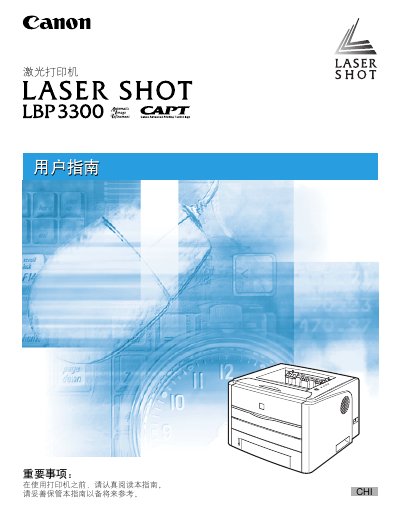
This manual guides you through installing the Canon LBP3300 laser printer, loading paper, configuring print settings, and using the printer driver on Windows systems. It also covers optional accessories, network setup, and basic safety information.
Later sections describe routine maintenance such as toner replacement, troubleshooting common errors, and locating the serial number for service. Detailed step‑by‑step procedures are illustrated with diagrams and screen captures. This manual is written in Chinese.
| Paper size | Various sizes (see paper size table) |
|---|
Insert paper into the paper tray as described in the loading section of the manual.
Use a USB cable for direct connection or a LAN cable for network connection, following the instructions in the connectivity section.