
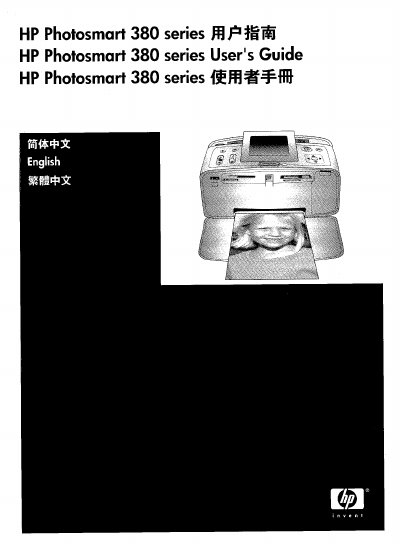
This manual covers everything needed to install and use the HP Photosmart 380 Series printer, including safety information, hardware setup, driver installation, and basic printing functions. It also explains how to load paper, replace cartridges, and use optional features such as scanning and PictBridge.
Additional sections address maintenance tasks, troubleshooting common issues, and regulatory compliance details such as FCC and LED safety standards. The document ends with contact information for HP support and a list of compatible print cartridges.
| LED indicator safety standard | EN 60825-1 |
|---|---|
| Compatible print cartridges | Tri‑color #95 or #97 (North America, Latin America, Asia Pacific) |
The display LEDs meet the requirements of EN 60825‑1.