
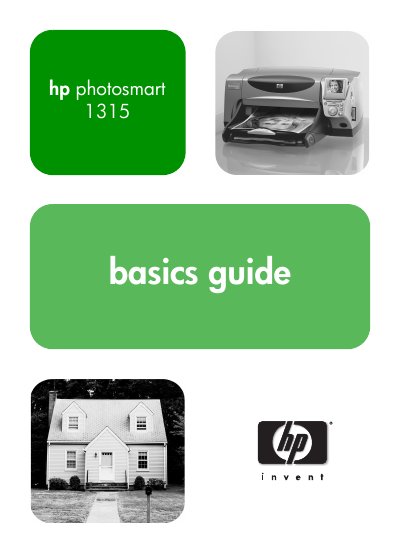
This manual guides you through getting started with the HP Photosmart 1315, covering printer features, required items, and basic operations such as loading paper, installing cartridges, and using memory cards. Detailed sections explain the control panel, LCD functions, and printer settings for optimal photo and document printing.
Additional chapters cover advanced functions like printing from the control panel, using infrared, creating photo albums, and troubleshooting common errors. A specifications section lists system requirements, media types, and connectivity options.
| System Requirements (Windows) | Windows 98, Me, 2000, XP |
|---|---|
| Processor (Windows) | Pentium 233 MHz |
| RAM (Windows) | 64 MB |
| Free Disk Space (Windows) | 250 MB |
| Paper Trays | One letter‑size tray, one 4 × 6 in photo tray |
| Input Capacity | 100 sheets letter, 20 sheets 4 × 6 in photo |
| Print Quality (Black) | 600 dpi |
| Supported Memory Cards | CompactFlash I/II, IBM Microdrive, SmartMedia, Memory Stick (up to 527 MB) |
| Connectivity | IEEE 1284 parallel cable or USB 1.1; optional JetDirect |
Use the printer’s control panel to select the memory card and print photos without a computer.
The printer supports CompactFlash Type I & II, IBM Microdrive, SmartMedia, and Memory Stick cards up to 527 MB.
It can connect via a bi‑directional IEEE 1284 parallel cable or a USB 1.1 cable, with optional JetDirect network adapters.