
This guide introduces you to using the HP Photosmart 130 printer. It covers everything from setting up the printer to printing photos from memory cards and DPOF files.
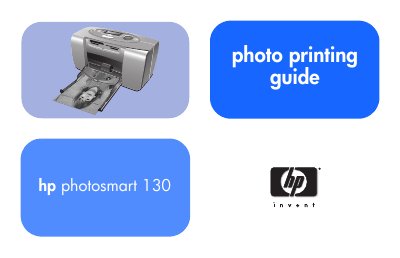
This guide walks you through unpacking, connecting power, loading paper, installing the print cartridge and using the LCD to print photos directly from memory cards. It also covers optional computer‑based features and where to find additional software help.
Later sections detail supported memory‑card types, paper specifications, care and maintenance, troubleshooting error indicators, and full technical specifications of the printer.
| Dimensions | 224 x 119 x 231 mm |
|---|---|
| Drop Volume | As low as 4 pl |
| Interface | USB 2.0 |
| Maximum Operational Temperature | 40 °C |
| Paper Sizes | 10×15 cm with and without tab |
| Paper Types | HP Premium Photo Paper 10×16.5 cm with 1.5 cm tab, HP Photo Paper 10×16.5 cm, Hagaki 100×148 mm, A6, other 10×15 cm photo paper |
| Memory Card Compatibility | CompactFlash, Memory Stick, MultiMediaCard, Secure Digital, SmartMedia |
| Power Adapter | 120–127 V AC, 50/60 Hz, 500 mA (C8442‑60026) or 100–240 V AC, 50/60 Hz, 500 mA (C8442‑60027) |
| Paper Tray Capacity | 20 sheets |
| Print Cartridge | One tri‑color cartridge (HP #57) |
| Print Technology | Drop on‑demand thermal inkjet |
| Resolution | Up to 4800 × 1200 dpi (optimized) |
| Print Speed | Approximately 2 minutes per page |
| Weight | 1.3 kg |
Open the front of the printer, place up to 20 sheets of supported paper in the paper tray, and close the front cover.
The printer supports CompactFlash (Type I and II), Memory Stick, MultiMediaCard, Secure Digital and SmartMedia cards.
Use the supplied C8442‑60026 adapter (120–127 V AC, 50/60 Hz, 500 mA) or the universal C8442‑60027 adapter (100–240 V AC, 50/60 Hz, 500 mA).