
This document provides copyright and trademark information for the HP Photosmart 8200 series printers, as well as details about the features and environmental attributes of the printers.
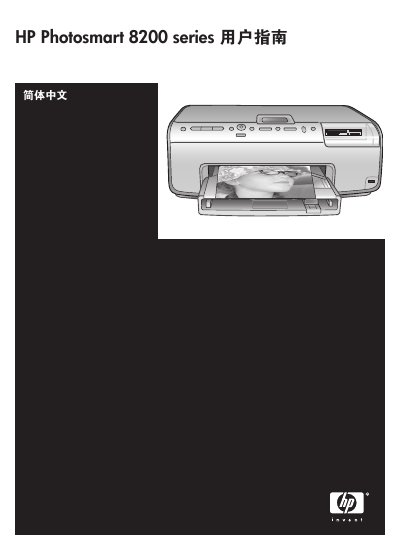
This guide introduces the HP Photosmart 8200 series photo printer, covering basic functions, how to print without a computer, and how to use storage cards, Bluetooth, and iPod connections. It also lists the documents that accompany the printer, such as the quick‑start booklet and on‑screen help.
Later sections detail printer components, menu navigation, media loading, print quality settings, cleaning and cartridge maintenance, error messages, and technical specifications. Regulatory notices and warranty information conclude the manual. This manual is written in Chinese.
| Maximum media length | 35.6 cm (14 inches) |
|---|---|
| Maximum media thickness | 292 µm (11.5 mil) |
| Supported photo paper size | 10 × 15 cm (4 × 6 in) |
| Supported image file formats | JPEG, baseline TIFF, uncompressed TIFF, YCbCr TIFF, packbits TIFF |
Select the “Clean Cartridge” option from the printer menu; the printer will run a cleaning cycle and then print a test page. If the cartridge is still dirty, repeat the cleaning process.