
This is the user manual of HP Deskjet 9800 series printer, which introduces the features and characteristics of the product and how to use it
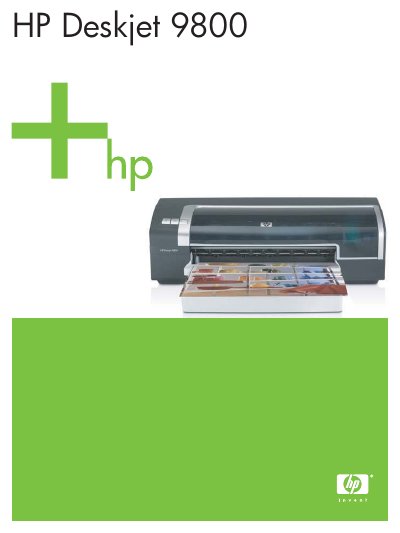
This manual introduces the HP Deskjet 9800 printer, covering safety precautions, hardware overview, and quick‑start instructions for getting the printer up and running. It details how to install software, connect to Windows or Mac OS, and share the printer on a network.
Further sections explain ink cartridge installation, supported media types and sizes, printing options (including duplex and photo printing), toolbox utilities, and extensive troubleshooting guidance for common issues such as paper jams and print quality problems. This manual is written in Chinese.
| Supported media size | A3 297 × 420 mm |
|---|---|
| Supported media types | ordinary paper, photo paper, envelopes, slides |
Refer to the “安装或替换打印墨盒” section for step‑by‑step instructions on installing or replacing cartridges.