
This document introduces the basic usage of PHS phones, including answering, dialing phones, creating address books, sending emails and C emails
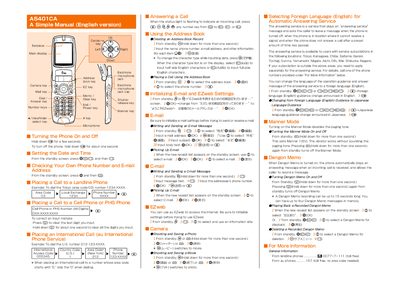
This manual provides step‑by‑step instructions for using the au A5401CA mobile phone. It describes how to turn the device on and off, dial local and international numbers, create and edit address‑book entries, and send and receive e‑mail and C‑mail messages.\n\nAdditional sections cover multimedia functions such as taking photos and movies, configuring the answering service, switching language guidance, and using optional features like Manner Mode and Dengon Memo. The document also lists toll‑free numbers for general information and service support.
| Dengon Memo maximum length | 15 seconds |
|---|---|
| Manner Mode paging tone | Disabled |
Hold down the Power key for about one second.
From standby, press the language change key (e.g., @€DGDED) to switch to English or Japanese guidance.