
User's manual
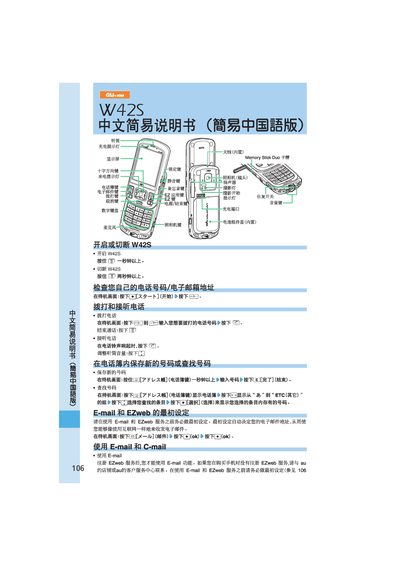
This manual explains how to power the au W42S on and off, make and receive calls, and use its built‑in email and EZweb services. It also covers camera operation, video recording, and international dialing.
Additional sections describe how to configure voice mail, adjust volume, and use auxiliary features such as C‑mail and the built‑in antenna. The guide is written in Chinese and includes illustrated button sequences for each task.
| Memory Card Slot | Memory Stick Duo |
|---|
Press and hold the power button for more than one second.
From the standby screen press the mail key, then select “New Mail” and follow the prompts to enter the recipient, subject and body.
Press the camera key on the standby screen, then press the photo button to capture an image.