
This document is the user manual for the Philips DC320 docking entertainment system, providing information on the product's features and usage instructions.
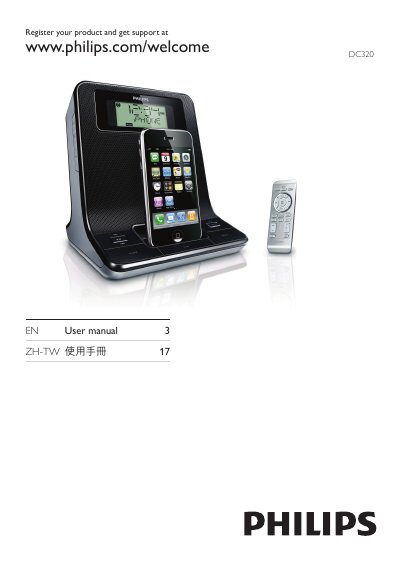
The Philips 17DC320 Docking Entertainment System includes a main unit, remote control, AC adaptor, MP3 link cable, and a quick‑start guide. It lets you play audio from iPod/iPhone, external devices, FM radio, and set alarm timers.
This manual explains how to connect power, set the clock, use the remote, adjust volume and sound effects, program radio stations, and manage alarm and sleep timers. It also covers safety precautions, disposal information, technical specifications, and troubleshooting steps.
| Power Input | 100‑240 V~, 50‑60 Hz, 0.55 A |
|---|---|
| Power Output | 12 V 2 A |
| Power Consumption | 10 W |
| Standby Power Consumption | <2 W |
| Dimensions (W x H x D) | 173 x 185 x 144 mm |
| Weight | 0.66 kg |
| Rated Output Power | 2 x 6 W RMS |
| Frequency Response | 125 Hz – 16 kHz, ±3 dB |
| Signal‑to‑Noise Ratio | >55 dB |
| FM Tuning Range | 87.5 – 108 MHz |
| Total Harmonic Distortion | <3 % |
Press VOL +/- on the remote or main unit to increase or decrease the volume level.