
This manual describes how to use the Philips AE6580 Pocket Radio.
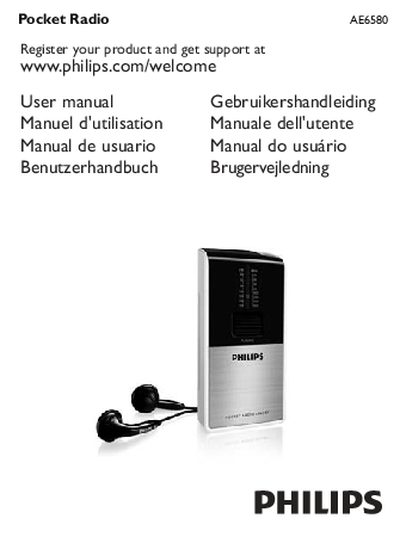
The Philips AE6580 Pocket Radio User Manual provides operating instructions for a portable radio receiver. It details the controls including tuning, band selection, volume adjustment, and power functions. The manual explains radio reception procedures for FM, FMST, and MW bands, as well as safety guidelines for battery use and device maintenance.
| Power Supply | one alkaline battery, type AAA, R03 or UM4 |
|---|---|
| Headphone Socket | 3.5 mm stereo headphone socket |
| Bands | FM, FMST, MW |
Open the battery door and insert one alkaline battery, type AAA, R03 or UM4, as indicated in the battery compartment.
Insert one alkaline battery, type AAA, R03 or UM4, as indicated in the battery compartment.
Push the OFF/ON control to ON to switch on the set.
The band selector selects the waveband: FM, FMST, or MW.