
The AJ300D is an all-in-one entertainment system from Philips that includes a Dock for connecting an iPod, supports Apple iPods, has 8 built-in presets, supports FM radio and AUX input, and can be powered by an AC/DC 18V power supply.
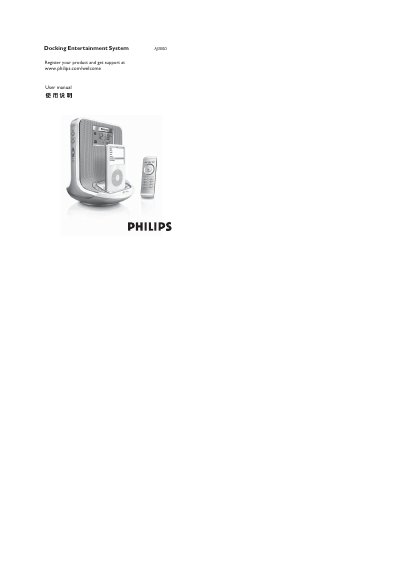
This user manual covers the Philips AJ300D Docking Entertainment System. It describes product features, operating buttons, power information, iPod compatibility, alarm settings, volume control, and other usage instructions.
The manual explains how to connect power, install batteries, set the time, use the FM tuner and AUX input, dock an iPod, set alarms, and operate the system with the included remote control. This manual is written in Chinese.
| Input voltage | 100-240V 50/60Hz |
|---|---|
| AUX input | 3.5 mm |
| Backup battery | CR2025 |
| iPod connector | 30-pin |
The system is compatible with all existing Apple iPod models with a 30-pin connector, including iPod touch, iPod classic, iPod nano, and iPod 5th generation models listed in the manual.
Press TIME SET, select 12 or 24 hour format, press TIME SET again, then use the tuning controls to set the hour and minute.
A CR2025 battery is used.