
This document is a quick start guide for the Philips DC320 Docking Entertainment System. It provides information on the contents of the package, connection setup, and usage instructions.
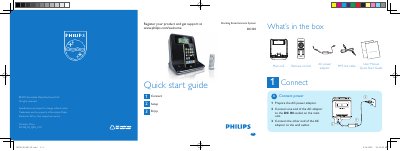
This Quick Start Guide introduces the Philips DC320 music player. It lists the items included in the box, shows how to connect the AC power adaptor, and explains basic operation steps.
The guide walks you through setting the time and date, programming radio stations, using the alarm timer, and docking an iPod or iPhone for playback. It also provides tips for adjusting alarm repeat intervals and navigating the player’s menu.
In standby mode, press and hold SET TIME/PROG for 2 seconds, then use the / key to select 12/24‑hour format and adjust hour, minute, year, month, and day.
Press ALM 1 or ALM 2 repeatedly to activate the timer, hold the same button for 2 seconds to start setting, then use the / key to set hour and minute, and confirm with ALM 1 or ALM 2.