
This document is a quick start guide for Philips DCM109, which introduces how to connect, play discs, play from USB, play from iPod/iPhone, listen to the radio, set the clock and more.
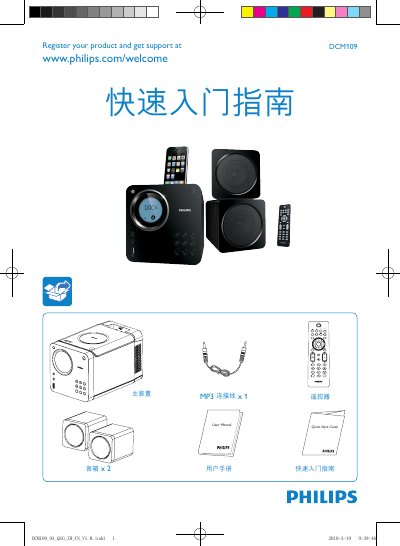
This guide provides fast‑track instructions for getting the Philips DCM109 MP3‑LINK music system up and running. It explains how to connect the main unit, speakers, and power, and how to register the product for support.
The manual details how to select and play media from CD, USB, iPod/iPhone, and FM radio, as well as how to set the clock using the remote control. Step‑by‑step button sequences are provided for each function. This manual is written in Chinese.
Press DISC on the remote, press PLAY on the top panel, place the disc in the tray, then press PLAY again.
Hold the CLOCK/DISPLAY button to enter clock‑setting mode, then use PROG, / and other buttons to adjust hours and minutes.
Insert the USB plug into the main unit, press the USB source button, select a folder with ALB/PRESET+/- and choose a file to start playback.
Press TUN, hold the / button for more than 2 seconds, and repeat to tune additional stations; press / repeatedly for weaker signals.