
This document is the user manual for the Philips MCD120 3 DVD Micro Theater. The manual provides information on safety precautions, product overview, connection methods, usage guide, playback options, settings adjustment, product information, and troubleshooting.
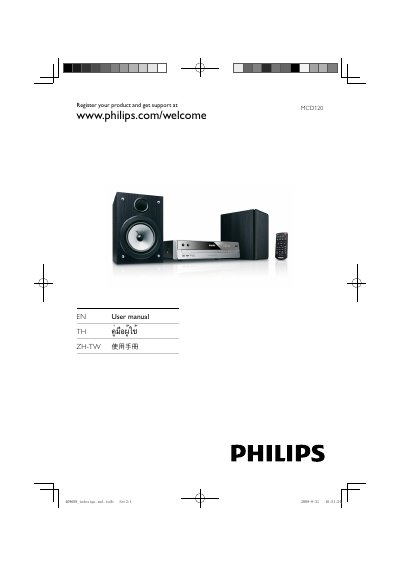
The MCD120 DVD Micro Theater is a compact home entertainment system that plays DVD, VCD, SVCD and USB media. This manual guides you through unpacking, connecting speakers, TV, and power, as well as registering the product for support.
Key sections cover safety warnings, step‑by‑step connection diagrams, how to start playback, adjust audio/video settings, use USB media, and resolve common issues such as no picture, sound problems, or remote‑control failures.
| USB file system | FAT12, FAT16, FAT32 (sector size: 512 bytes) |
|---|---|
| MP3 bit rate | 32‑320 Kbps |
Insert the right speaker wires to “R” and the left speaker wires to “L”, matching the wire colors to the terminals.
Check that the video cable is correctly connected and that the TV is set to the correct video‑in channel.
Use the menu option to disable the password for parental control or to change the rating level.