
The document provides information about Philips DCD322 TV, including video input options and connection methods.
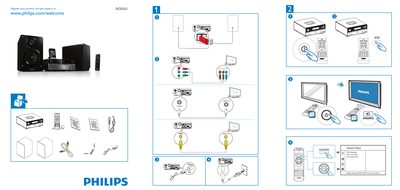
This guide shows how to register your Philips DCD322 product and obtain support via the Philips website. It also provides the steps for the general setup of the device.
The System Menu section explains the OSD Language settings, DivX VOD code configuration, and DivX deactivation. To exit the menu, simply press the SYSTEM MENU button.
Press the SYSTEM MENU button to exit the menu.
Visit www.philips.com/welcome and register your product.