
This document is about the user manual and quick start guide for products from Koninklijke Philips Electronics N.V. It also provides information about the product accessories and features.
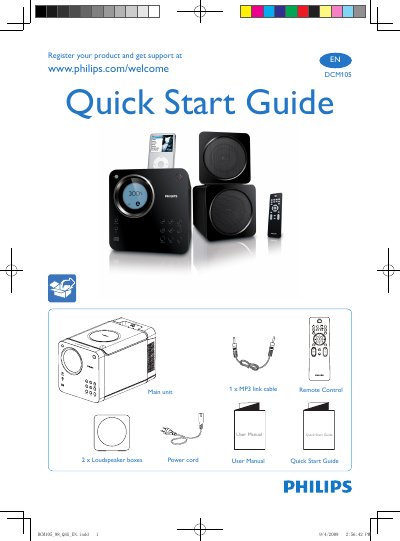
The guide provides step‑by‑step instructions to register your Philips DCM105 and obtain support via www.philips.com/welcome. It also includes a quick start overview of the remote control, main unit, power cord, loudspeaker boxes and MP3 link cable.
Additional sections explain how to set the clock, play discs, connect an iPod and listen to FM radio, with brief button‑press instructions for each function.
| Loudspeaker boxes | 2 |
|---|---|
| MP3 link cable | 1 |
Visit www.philips.com/welcome to register the product and get support.
Press and hold the B and C buttons to set the clock.
Select the iPod playback option as shown in the guide.
Use the radio function indicated in the guide to listen to FM stations.