
This document describes the features and functions of the Philips DCM105 docking entertainment system, including adjusting volume, selecting sound effects, listening to radio, and setting timers.
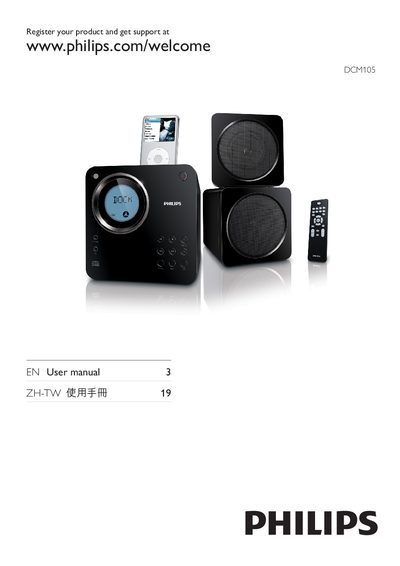
This manual covers safety warnings, product registration, and the contents of the DCM105 docking entertainment system. It explains how to connect speakers, power, and external devices, and describes the main unit and remote control functions such as volume, playback, radio, and iPod integration.
The guide also details everyday use features like adjusting sound effects, setting timers, and programming tracks, as well as a troubleshooting section that helps resolve common issues with the remote, disc detection, radio reception, and timer functions.
First select the correct source with the remote, reduce the distance to the unit, ensure the battery polarity is correct, replace the battery if needed, and aim the remote directly at the sensor on the front of the unit.
Increase the distance between the unit and your TV or VCR, and fully extend the FM antenna to improve reception.