
HSB2313 Quick Start Guide introduces HSB2313's package contents, installation, connection, setting clock, playing USB storage device and listening to radio etc.
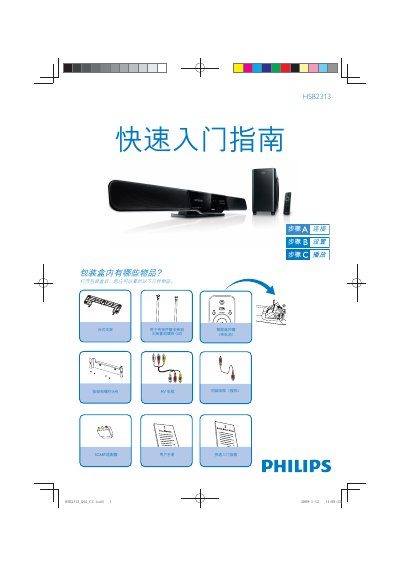
This guide shows what is included in the HSB2313 package—desktop stand, smart remote with batteries, mounting bolts, coaxial and AV cables, and mounting hardware. It walks you through installing the speaker on the main unit, positioning the stand, and connecting power and AV devices.
It also explains basic operation such as setting the clock, playing music from a USB storage device, selecting AV or HDMI sources, and tuning FM radio with the built‑in antenna. Refer to the full user manual for detailed functions and advanced settings. This manual is written in Chinese.
| Audio outputs | L/R analog and digital |
|---|---|
| Video inputs | HDMI IN 1, HDMI IN 2, Optical |
| Audio inputs | HDMI, AV, Coaxial |
Make sure the FM antenna is fully extended, press the RADIO button, hold it for more than 3 seconds, and the tuner will automatically find the strongest stations.