
Philips 5000 series Immersive quick start guide, which introduces how to use the product's safety information, stand mount speakers connection method, connect home theater, connect TV and other content.
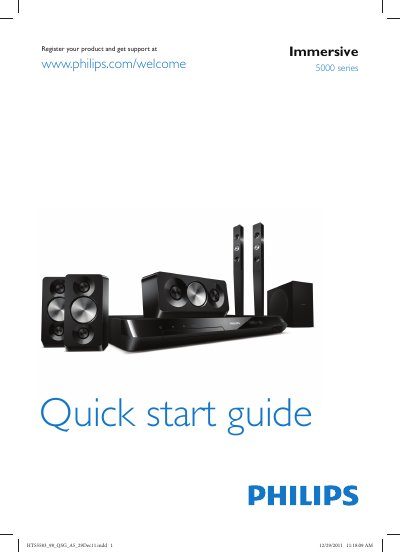
This Quick Start Guide helps you set up the Philips HTS5583 home theater system. It includes instructions for mounting the speakers, connecting the system to your TV, and powering the unit.
The guide also shows how to complete the first‑time setup, access on‑screen help, and obtain a printable user manual from Philips support.
| Input voltage | 110-127V / 220-240V |
|---|
Use one of the listed methods such as HDMI ARC or optical cable to connect the system to the TV.
Press the power switch to switch on the home theater.
A printable user manual is available from the Philips support website at www.philips.com/support.
Select Help on the screen to access the on‑screen user manual for assistance.