
This document is a quick setup guide for a brand of LCD TV. It mainly introduces the installation, basic settings and connection methods of LCD TV, including wired TV, cable TV box, set-top box, DVD player, high-definition TV receiver and other devices
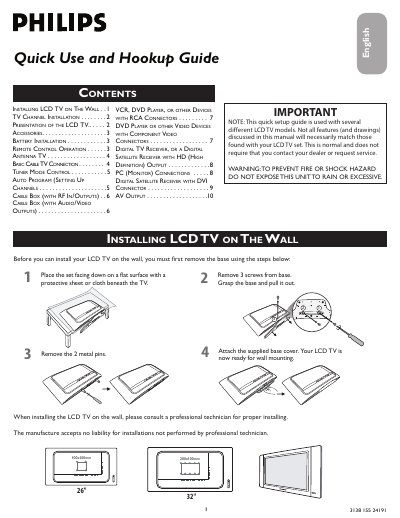
This guide provides step‑by‑step instructions for installing a Philips LCD TV on a wall, setting up channels with the Auto Program feature, and operating the remote control. It also details how to connect antennas, cable boxes, VCR/DVD players, component video sources, digital satellite receivers and PCs.
Additional sections cover battery installation for the remote, safety warnings, and troubleshooting tips for signal and video quality. The document is intended for end‑users and includes helpful hints for proper wiring and connector usage.
| Wall‑mount dimensions (26" model) | 100 mm × 100 mm |
|---|
Run the Auto Program function from the INSTALL menu on the remote to scan and store broadcast or cable channels automatically.