
This document is a quick start guide for Philips 5000 series Immersive HTS5563, introducing the product's safety information, connection methods, and usage methods.
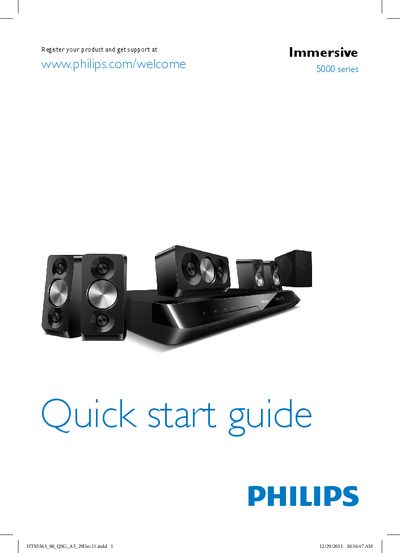
This guide shows how to connect the Philips 5000 series home theater to your TV using HDMI ARC, HDMI + Optical or Coaxial inputs, and how to position the speakers (front, center, surround, sub‑woofer). It also explains how to power the unit on and select your language.
After powering the system, you complete the first‑time setup by choosing your country and language, then you can access the on‑screen user manual via the Help button for further assistance.
| Input voltage | 127‑240 V |
|---|
Use one of the listed inputs – HDMI ARC, HDMI + Optical, or Coaxial – as shown on the connection diagram.
Press the power button on the unit; the guide indicates “Switch on the home theater”.
Select the Help option on the remote to open the on‑screen user manual.