
This document provides information on registering and getting support for the Philip brand HTS5120 product, as well as the accessories and connection methods. It also introduces the product's settings and features, such as language settings, screen saver, sleep timer, etc.
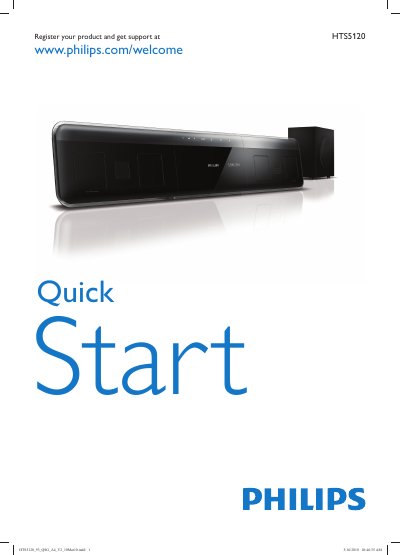
The guide begins with product registration, directing users to register their HTS5120 at www.philips.com/welcome. It then outlines the basic hardware components such as the power cord, AC adapter, and the required batteries (two AAA cells).
Next, the guide details the various connection options—HDMI, FM antenna, composite and digital audio cables—as well as menu settings like TV/USB sources, language selection, screen saver, and sleep timer. It also lists accessories like the iPod dock and provides a brief overview of the home‑theater functions.
Visit www.philips.com/welcome to register the product.
Use HDMI, FM cable, digital audio cable, composite cable, and audio cable.