
This is a user manual for the High Definition Digital Video Camera 980HD. The manual provides information about the features and functions of the camera, as well as instructions for use and technical support.
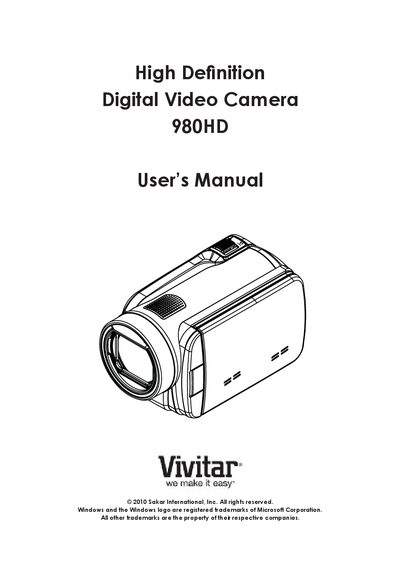
This manual covers everything you need to know about the Vivitar 980HD camera, from an overview of its features and accessories to detailed instructions for recording video, taking pictures, and using playback functions. Sections include getting to know the camera, getting started with SD cards and battery installation, and using the built‑in software and HDMI output.
Additional chapters guide you through camera settings, viewing media on a TV, transferring files to a computer, and troubleshooting common issues such as flash problems, blurry images, and SD‑card errors. The warranty card and technical support information are also provided.
| Sensor | 5 Mega‑pixel |
|---|---|
| Video resolution | 1920 × 1080 HD |
| LCD screen | 3‑inch touch panel |
| Digital zoom | 4× |
| Memory card support | SD/SDHC, recommended 1 GB or above |
| Battery | Lithium‑ion rechargeable |
In flash auto mode the flash fires only when necessary, such as in low‑light conditions.
Use the supplied AC charger or USB cable; the camera must be off, and a blinking light indicates charging.
Format the SD card using the camera’s built‑in format function rather than a PC.