
This manual explains how to safely set up the Philips SPA1305 multimedia speakers. It begins with safety warnings, such as keeping liquids away, unplugging the mains plug to disconnect power, and avoiding open flames. The document also outlines the required system environment, listing compatible PC and Mac operating systems.
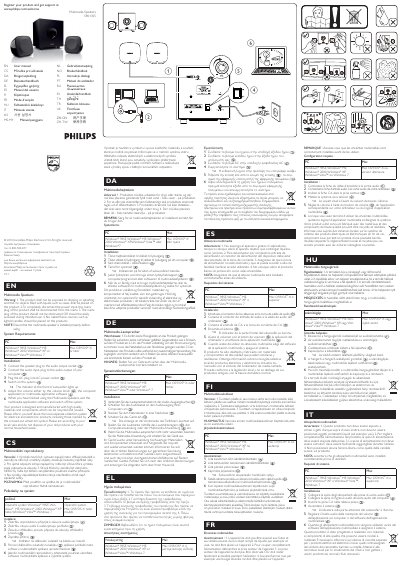
Installation steps are detailed: connect the speaker plug to the audio output socket, connect the audio input plug to the computer’s audio output, plug the AC power cord into a mains socket, and switch the system on. Volume can be adjusted via the speaker’s knob, the computer’s audio controls, or multimedia software. The manual finishes with recycling and disposal guidance.
| Supported operating systems | PC, Mac, Windows 98SE, Windows ME, Windows 2000, Windows XP, Windows Vista, Windows 7, Mac OS 9/OS X or later |
|---|---|
| Power source | AC mains |
Connect the speaker plug to the audio output socket, connect the audio input plug to the computer’s audio output, plug the AC power cord into a mains socket, and switch the system on.
Use the volume knob on the speaker, the computer’s audio controls, or the multimedia application’s volume setting.