
Philips SPZ5000 WebCam Quick Start Guide

This is a quick start guide that introduces the features and characteristics of the Philips SPZ5000 webcam.
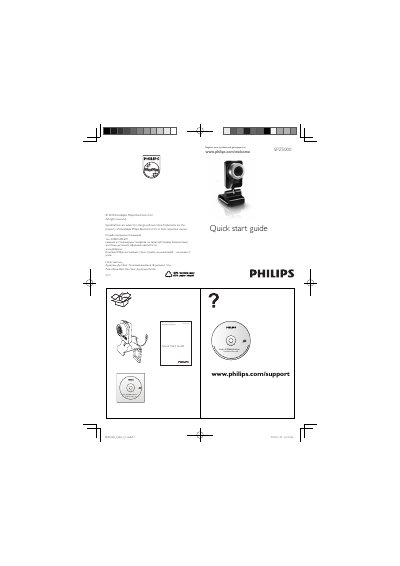

Philips SPZ5000 WebCam Quick Start Guide - cover page
Brand
Philips
Category
Monitoring Equipment
Document type
Quick Start Guide
Language
English
Pages
2
File format
PDF
File size
724 KB
Published
23 March, 2012
Updated
30 September, 2023
Model
SPZ5000
MD5 checksum
968947C6E899FBAAFF7526A148BB9734

About this manual

This guide helps you register your Philips SPZ5000 WebCam and obtain support at the Philips website. It includes the product registration URL and notes the warranty period of at least three years.

The guide also explains how to install the optional CD‑ROM for YouTube upload and enhanced video/audio, and states that the maximum video recording resolution is 640 × 480 (VGA).

What's inside

  • Product Registration
  • Installation CD
  • Video Recording Settings
  • Support Information

Specifications

Maximum video resolution640 x 480 (VGA)

Frequently asked questions

How do I register the Philips SPZ5000 camera?

Register your product at www.philips.com/welcomeSPZ5000.

What is the maximum video resolution for recordings?

The maximum video resolution is 640 × 480 (VGA).

Download PDF (724 KB)

More Philips Manuals


View all Philips manuals →