
Quick Start Guide
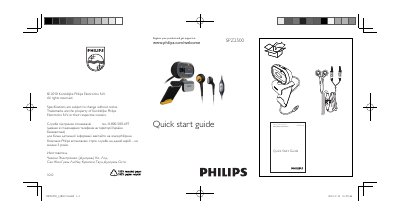
The guide helps you register your Philips SPZ2500 camera and obtain support through the Philips website. It includes the registration URL and a phone support line for Ukrainian customers.
Additional resources such as the full user manual and video‑enhancement software can be downloaded from the Philips support site. The guide also notes that video recording is limited to a maximum resolution of 640 × 480 (VGA).
| Maximum video resolution | 640 x 480 (VGA) |
|---|
Visit the registration page at www.philips.com/welcomeSPZ2500 to register the product and get support.
Both the user manual and video‑enhancement software are available for download from http://www.philips.com/support by searching for SPZ2500.
The camera records video at a maximum resolution of 640 × 480 (VGA).