
SPC530NC is an installation CD for SPC530 NC.
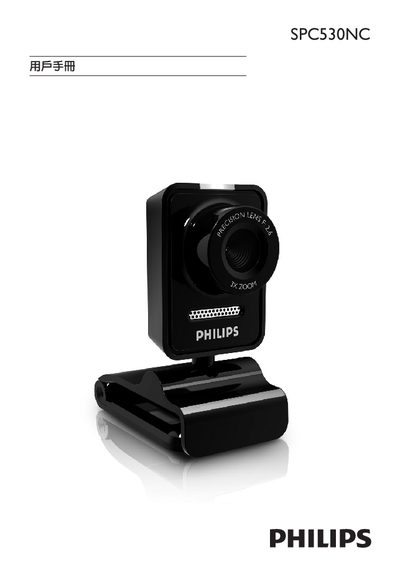
This guide provides step-by-step instructions for installing and using the Philips SPC530NC security camera. It covers setup via USB or CD-ROM, compatibility with Windows XP and Vista, and basic configuration options. The manual also includes troubleshooting tips and frequently asked questions for common issues.
The camera supports VoIP communication and can be integrated with popular messaging platforms like Skype and Yahoo! Messenger. It operates within a temperature range of 0°C to 40°C and humidity of 45% to 85%.
| Operating Temperature | 0°C to 40°C |
|---|---|
| Operating Humidity | 45% to 85% |
| Supported OS | Windows XP and Vista |
Connect via USB or use the CD-ROM for setup. The camera is compatible with Windows XP and Vista.
It supports VoIP and integrates with Skype, Windows Live Messenger, Yahoo! Messenger, AOL Messenger, and QQ.
The manual is copyrighted in 2007 by Philips Consumer Electronics B.V.