
This is an instruction manual for SPC1330NC.
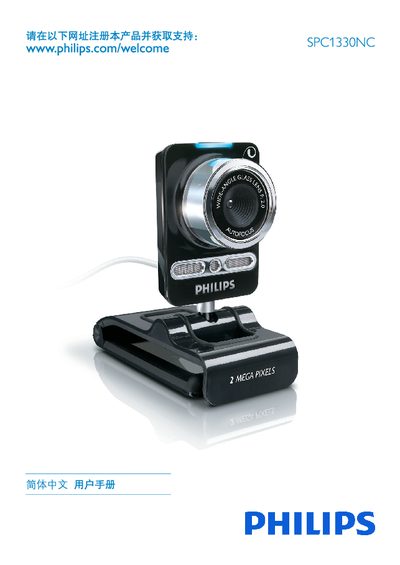
This guide begins with safety precautions, environmental limits, and system requirements for the SPC1330NC camera. It lists the contents of the packaging, explains how to register the product online, and describes the camera’s basic functions such as video chat, snapshot, and audio recording.
The manual then walks through installing the supplied software, connecting the USB camera, and configuring settings via the Philips CamSuite application, including image, audio, and entertainment options. A technical data section and a FAQ at the end address common questions such as adjusting image quality and restoring factory defaults. This manual is written in Chinese.
| Operating System | Microsoft Windows XP (SP2) or Vista |
|---|---|
| RAM | 512 MB |
| Free Disk Space | 300 MB |
| USB Port | One free USB port |
| Operating Temperature | 0 °C to 40 °C |
| Power Supply | Powered via USB from PC |
Open the Philips CamSuite control panel, go to the General settings, select the Video tab, click the Reset button, and confirm to restore all settings to factory defaults.