
Philips SPC535NC Webcam User Manual

This manual introduces how to use the Philips SPC535NC WebCam.
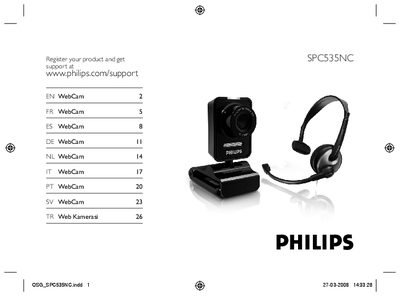

Philips SPC535NC Webcam User Manual - cover page
Brand
Philips
Category
Monitoring Equipment
Document type
User Manual
Language
English
Pages
32
File format
PDF
File size
7.7 MB
Published
23 March, 2012
Updated
30 September, 2023
MD5 checksum
9B125A78777FAB7C0DCD3DB561FD59DB

About this manual

This guide explains how to register your Philips SPC535NC webcam and install the required software. It walks you through running the installation CD, selecting language, and installing the driver and Philips VLounge software.

After installation, the manual shows how to connect the webcam to a PC or laptop, attach it to the monitor, and configure audio options. It also includes steps for selecting the webcam or headset microphone in Skype and testing the microphone.

What's inside

  • Register product
  • Install webcam software
  • Connect webcam to PC
  • Using webcam with applications
  • Multilingual installation instructions
Download PDF (7.7 MB)

More Philips Manuals


View all Philips manuals →