
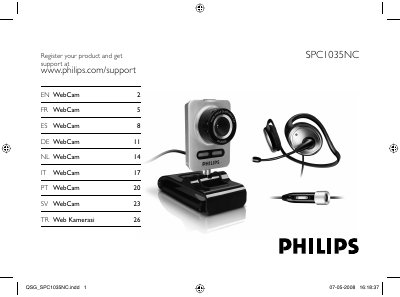
This Philips SPC1035NC WebCam Quick Start Guide explains how to install the WebCam software from the supplied CD-ROM before connecting the camera. It then describes connecting the USB cable and the headset audio cable to a PC or laptop.
The guide also shows how to attach the WebCam to a PC monitor or laptop screen using the clamp and two rubber rims, and how to select the WebCam’s built-in microphone or the headset microphone for Skype. It is a multilingual document with English, French, Spanish, German, Dutch, Italian, Portuguese, Swedish and Turkish sections.
Do not plug in the WebCam yet; run the installation CD-ROM first.
Select at least the ‘SPC1030NC WebCam Driver’; the software is the same for the SPC1030NC and SPC1035NC WebCams.
Use the clamp and the two rubber rims to attach the WebCam to a PC monitor or laptop screen.
In Skype’s microphone options, select ‘Microphone (USB Video Camera)’ for the WebCam’s built-in microphone.