
Philips Webcam SPZ5000 Quick Start Guide introduces the features and characteristics of Philips SPZ5000 webcam, including installation process and usage instructions.
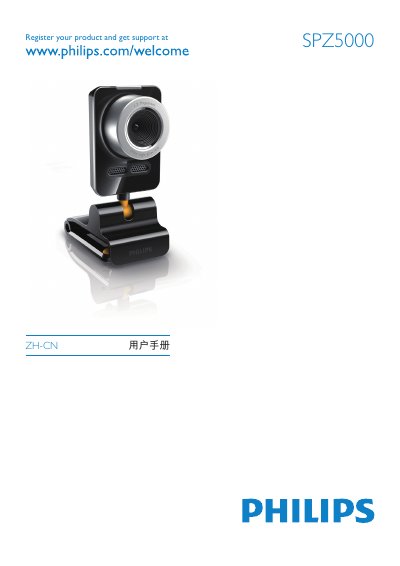
This guide explains how to install and configure the Philips SPZ5000 security camera. It covers hardware mounting, connecting the USB interface, and registering the product for support.
The manual also details the installation of the Webcam Driver, Philips CamSuite, and the Intelligent Agent software, and includes a FAQ section, regulatory information, and technical specifications such as supported video resolutions and operating temperature range. This manual is written in Chinese.
| Maximum video resolution | 2560 x 2048 |
|---|---|
| Supported video resolution | 640 x 480 (VGA) |
| Supported video resolution | 1280 x 1024 |
Run the Setup.exe program from the CD to install the SPZ5000 webcam driver.
Register the product at www.philips.com/welcome.