
This file is about camera operating instructions.
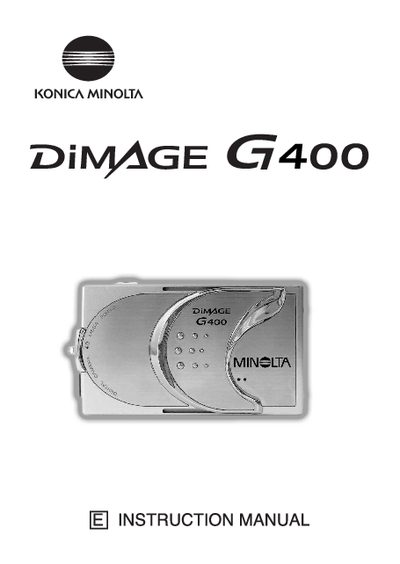
This manual guides users through getting started with the G400, covering safety precautions, basic operation, and essential functions such as taking pictures, using the viewfinder, and playback. It also explains how to attach accessories, charge the battery, and connect the camera to a PC.
Advanced sections describe shooting menus, flash and macro modes, ISO settings, manual exposure, and video/voice recording. Additional chapters cover camera settings, software installation, troubleshooting, care and storage, and the main technical specifications of the camera.
| Battery type | Manganese lithium silicon |
|---|
The camera body may become hot, but this does not indicate a fault; avoid prolonged contact with skin.
Use the menu option to set or cancel protection for your important images.
It uses a manganese lithium silicon battery as a backup for the calendar system.