
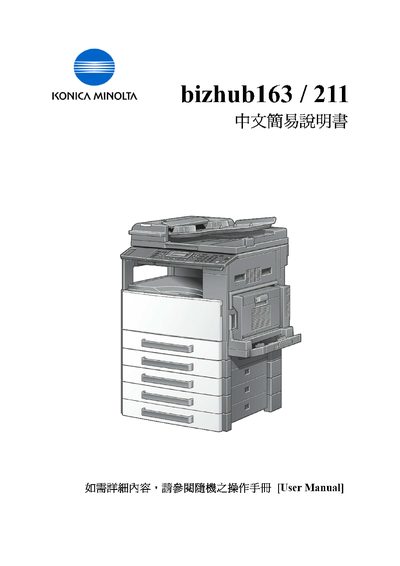
The guide introduces the main functions of the bizhub 163/211, including printing, copying, scanning, and faxing. It explains how to select modes such as Simplex/Duplex, Mixed Original, and Combine Original, and describes the use of the Zoom and Density controls.
It also covers paper handling settings like Paper Source Setup, Bypass Paper Setting, and custom paper sizes, as well as maintenance cues such as the Caution indicators for toner and other consumables. Additional features such as Book Separation and Erase functions are described for advanced document handling. This manual is written in Chinese.
| Maximum paper width | 432 mm |
|---|---|
| Maximum paper length | 297 mm |
Enter the Paper Source Setup menu, select the tray, and input the desired X and Y dimensions for the paper size.
The Caution indicator lights when the toner is empty and needs to be replaced.