
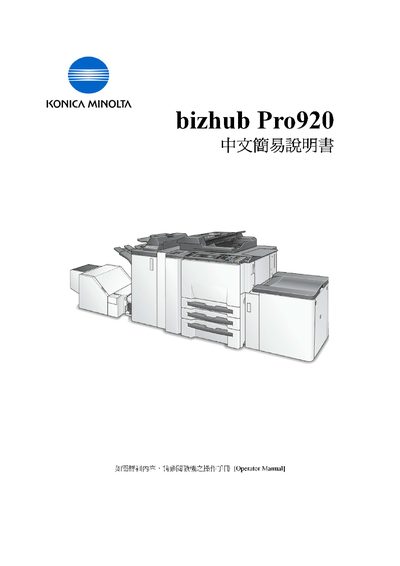
This guide introduces the essential functions of the Konica Minolta bizhub Pro920 multifunction copier. It covers power‑on procedures, paper handling, copy and scan operations, and basic settings such as zoom and duplex printing.
Key sections include turning the machine on with the Main and Sub switches, replacing the toner cartridge, loading paper (up to 100 sheets in the automatic feeder and 150 sheets in the manual tray), adjusting paper size, using zoom ratios, selecting simplex or duplex modes, and combining originals for multi‑page copies. Contact information for service and support in Hong Kong is also provided. This manual is written in Chinese.