
This is a user manual for bizhub 250/350 copier, which introduces how to use the copier's various functions, such as paper selection, zoom ratio, sorting, single-sided or double-sided copying, original combination, and density.
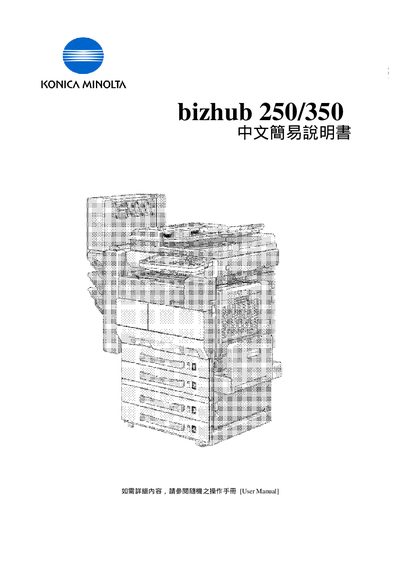
This guide provides basic operating instructions for the Konica Minolta bizhub 250/350. It covers paper loading, size selection, and simple copy functions such as single‑sided and double‑sided modes.
Additional sections explain how to adjust zoom ratio, set quality density, use application functions like IBook copy, and combine originals. Contact information for service and consumable support in Hong Kong is also included. This manual is written in Chinese.