
This document is a shortcut manual for bizhub 552/652 multi-function printers. It introduces the various parts of the control panel, as well as the steps for account login and user authentication. It also explains the density and background adjustment functions in the copy function.
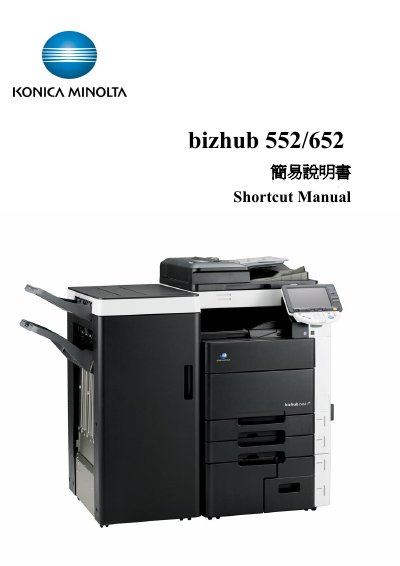
The bizhub 552/652 is a multifunction copier designed for office environments. This manual provides concise instructions for everyday tasks such as copying, printing, scanning, and using optional accessories.
Key sections include an overview of the control panel, procedures for department and user authentication, detailed copy function settings (density, background removal, paper size, zoom, sorting, stapling, folding), banner paper printing, and using external memory for print and scan jobs. This manual is written in Chinese.
| Default zoom ratio | 0.707 |
|---|---|
| Custom paper size input format | Length X and width Y, e.g., 90 mm entered as 0900 |
Touch the Density button; each press lightens or darkens the copy by one level.
Select User Box → System user box → External Memory → Use/file, choose the file, then press Print and Start.