
This document is a shortcut manual for the bizhub C452/C552/C652 multifunction printer. It provides an overview of the printer's components and functions, as well as instructions for basic operations such as color and black and white copying.
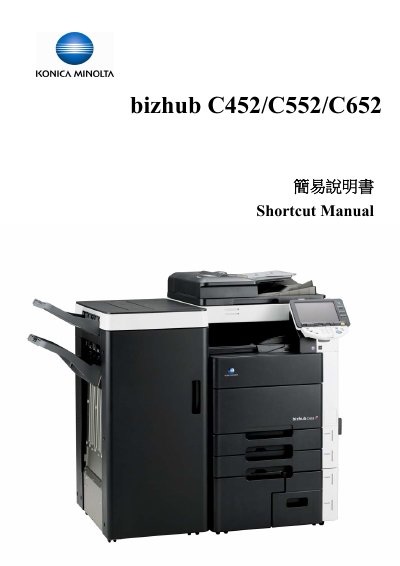
This manual provides step‑by‑step instructions for operating the bizhub C452, C552 and C652 multifunction copiers. It covers basic functions such as color and black‑white copying, paper handling, zoom, sorting, stapling, punching, folding, duplexing and using external memory.
The guide also includes optional functions, contact information for technical support, and details on how to configure settings like paper size, zoom ratio, and combine modes. It is intended for end users who need a quick reference to perform common tasks on these devices. This manual is written in Chinese.
It automatically detects whether the original document is color or black‑and‑white.
Select the custom size option, then input the length (X) and width (Y) of the paper.
Use the Combine function and select the desired option such as Touch 2 in 1 or Touch 4 in 1.