
This manual explains how to use the Konica Minolta a-5 DIGITAL digital camera, including how to attach a lens, battery, storage card, set the date and time, take photos, play back photos, and delete photos.
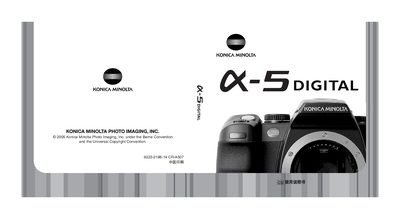
This manual covers all aspects of using the Konica Minolta α-5 DIGITAL camera, including safety precautions, basic handling, and detailed explanations of each control and menu option. It guides users through shooting modes, image quality settings, and playback functions, helping them capture high‑quality photos.
Additional sections describe connectivity options such as PictBridge, supported color spaces like Adobe RGB, and file‑format details (DiMAGE Master, DPOF, etc.). The appendix provides reference tables, troubleshooting tips, and regulatory information.