
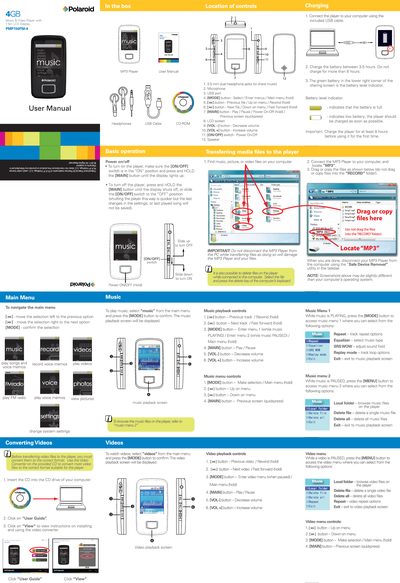
The PMP150FM-4 is a Polaroid music and video player with a 1.5‑inch LCD display, dual 3.5 mm headphone jacks, a built‑in microphone, and an FM radio. It supports MP3 music, video playback (via a supplied converter), photo viewing, and voice memo recording.
This manual explains how to power the device on and off, navigate menus, transfer files via USB, charge the battery, use playback controls for music, video, photos and voice memos, tune and record FM radio, adjust settings, troubleshoot common issues, and obtain warranty service.
| Display | 1.5 in LCD |
|---|---|
| Headphone jacks | 3.5 mm dual |
| Microphone | Built‑in |
| USB port | Standard USB |
| Battery charging time | 3–5 hours (max 8 hours) |
| Initial charge recommendation | At least 8 hours before first use |
Make sure the ON/OFF switch is set to ON and press and hold the MAIN button until the display lights up.
Charge the player for at least 8 hours before using it for the first time.
You can save up to 20 preset stations.
Select the file on the computer and press the Delete key on the keyboard.