
This user manual introduces the features and characteristics of the Polaroid i1037 digital camera.
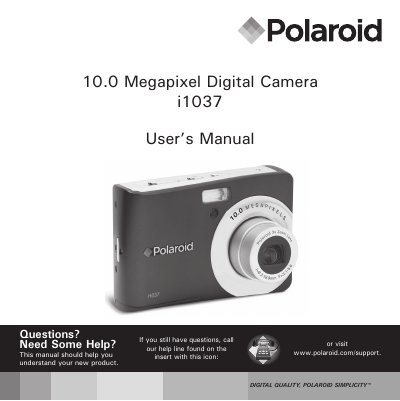
This manual covers everything you need to get started with the Polaroid i1037 digital camera, from unpacking and battery installation to using the various shooting modes and managing media files. Detailed sections explain camera settings, image and video recording, and how to transfer files to a computer.
Safety, maintenance, and regulatory information are also included, along with technical specifications of the sensor, lens, LCD, flash, and ISO capabilities.
| Sensor size | 1/2.3 inch |
|---|---|
| Resolution | 10.0 Megapixels CCD |
| Lens aperture | F3.1 ~ F5.6 |
| Focal length | 6.3 ~ 18.9 mm |
| LCD screen | 2.7" TFT‑LCD panel |
| Flash modes | Auto, Red‑Eye Reduction, Always On, Slow Sync, Off |
| ISO speed range | Auto, 125, 200, 400, 800, 1600, 3200 |
| Battery type | AA (Alkaline, NiMH, Lithium, Oxyride) |
Turn on the camera and look at the battery indicator on the LCD screen; it will show full, adequate, or exhausted.